
Zapya
Zapya is a free Android app from DewMobile for sharing files between nearby phones, tablets and computers without using mobile data.
25.2 MB

1.4.22 · Yablio · Page updated
Send Files To TV is a free Android app by Yablio for sending files between phones, tablets and Android TV devices over a local Wi-Fi network.
Average 0.0 · ratings: 0
Thank you! Your rating is saved; you can change it. Could not save the rating. Please try again later. Too many ratings from your network today. Please try again tomorrow. The average appears after 5 ratings.
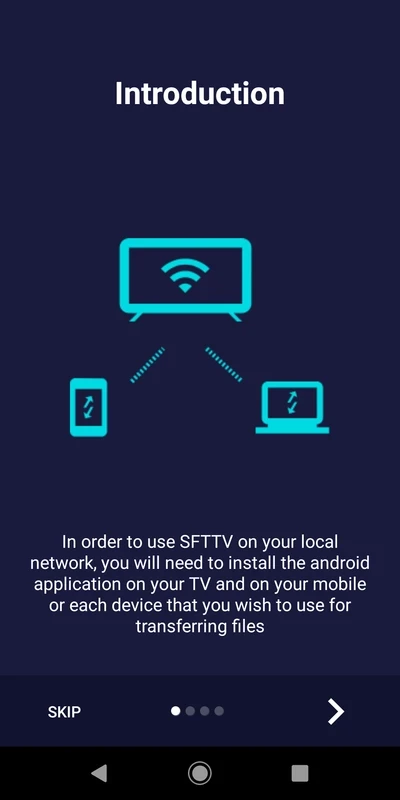
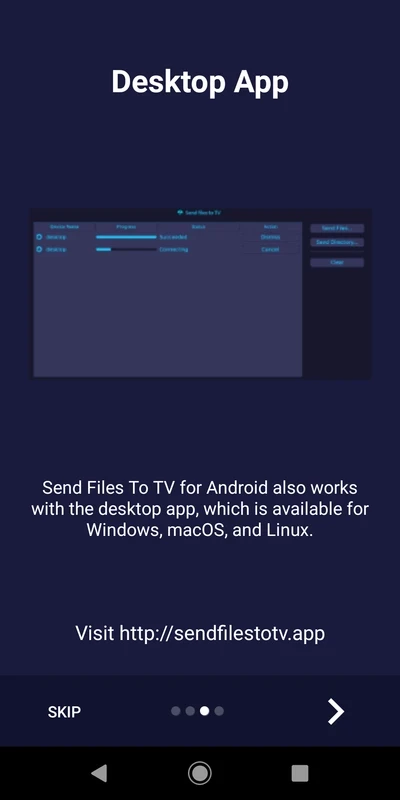
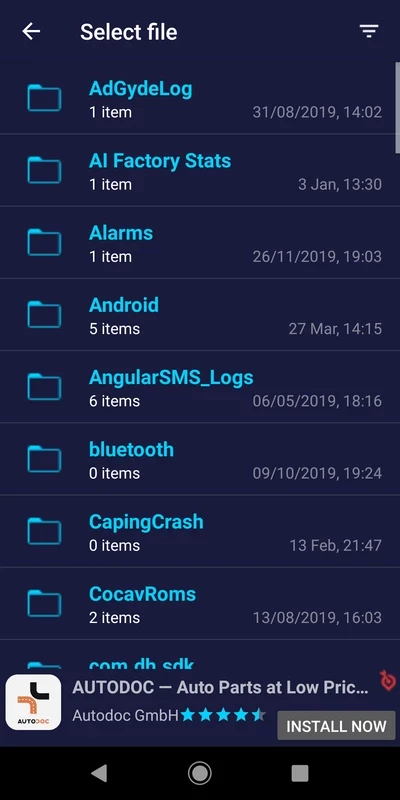

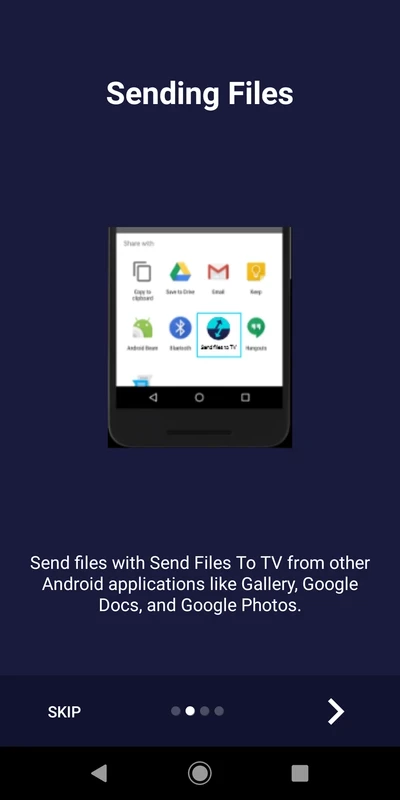
Send Files To TV 1.4.22 is a free Android app by Yablio that transfers files between an Android phone or tablet and an Android TV over your home Wi-Fi. You download it when you want to get a video, photos or an APK file onto a TV box without cables, USB sticks or cloud uploads.
Smart TVs and TV boxes are good at playing media but awkward when you need to copy a file onto them. They often have no convenient file manager, the browser is clumsy, and cloud apps require signing in with a remote control. Send Files To TV solves one simple task: you install it on both devices, choose send on one and receive on the other, and the file travels directly through your router. Nothing is uploaded to the internet, so large videos move at the speed of your local network. The app works in both directions, which means you can also pull screenshots or recordings from the TV to the phone. A common use is installing apps that are not in the TV's store: you send the APK from the phone, then open it on the TV with the file manager. The interface is built for a remote control, with large buttons and few menus.
Both devices must run Android and be on one local network. Some routers isolate clients on guest networks; in that case connect both devices to the main network.
Transfers stay inside your network. Still, be careful with APK files from unknown sources: installing them on a TV carries the same risks as on a phone. Get the app only from Google Play.
The app is free and shows ads.
For big video files, connect the TV box by cable to the router if it has an Ethernet port: the transfer will be faster and more stable. Keep both screens on during the transfer, since some devices pause Wi-Fi in sleep mode.
Other file transfer apps on our site include SHAREit, Zapya and EasyShare, which mainly target phone-to-phone transfers, and OPPO Clone Phone for moving everything to a new phone.
Zapya is a free Android app from DewMobile for sharing files between nearby phones, tablets and computers without using mobile data.
ES File Explorer is a file manager for Android from ES APP Group for browsing, copying, moving and organising files on a phone or tablet.

OPPO Clone Phone is the ColorOS app for copying contacts, messages, photos, apps and settings from an old phone to a new OPPO phone over a direct connection.

EasyShare is vivo's free Android app for transferring files and data between phones, often used when moving to a new vivo device.

SHAREit is an Android app for sending photos, videos, apps and documents between nearby devices without using mobile data.